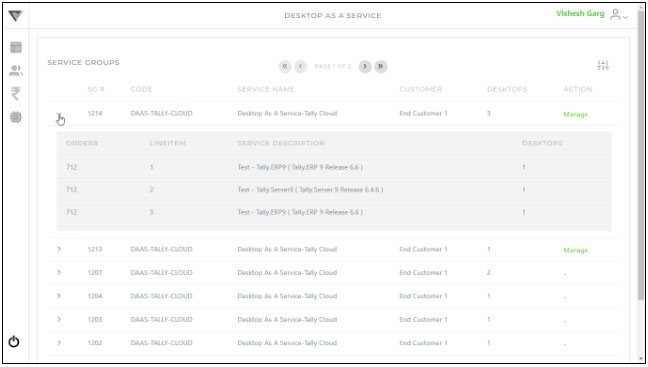

Follow below steps to view service group :-
1. Click  icon from user’s menu (shown as below)
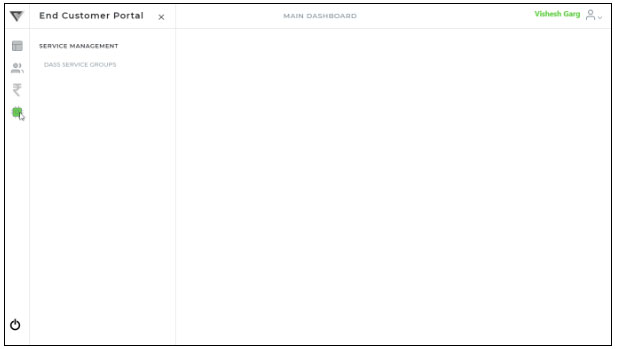
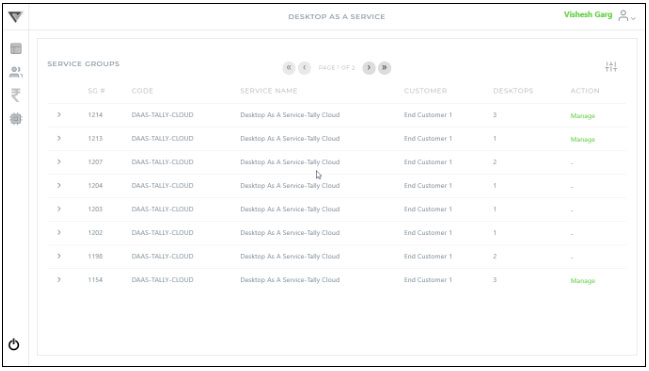
2. Click “DAAS Service Group” menu option to find below screen having the list of service groups :-
3. Click  icon of respected service group to find the detail (shown as below) :-