
Follow below steps to set / change the password of desktop’s user :-
1. In the “User” tab below screen:-
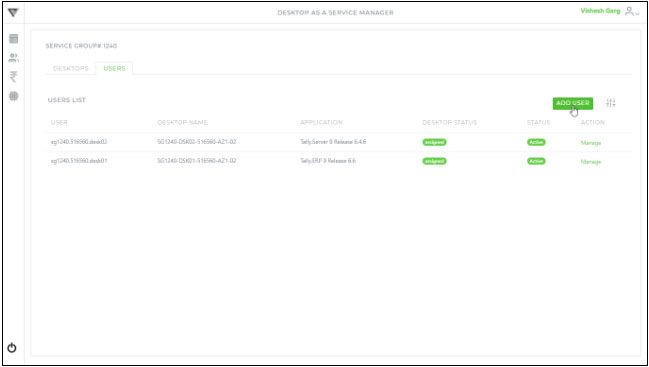
2. Click the respective “Manage” button to find the screen shown as below :-
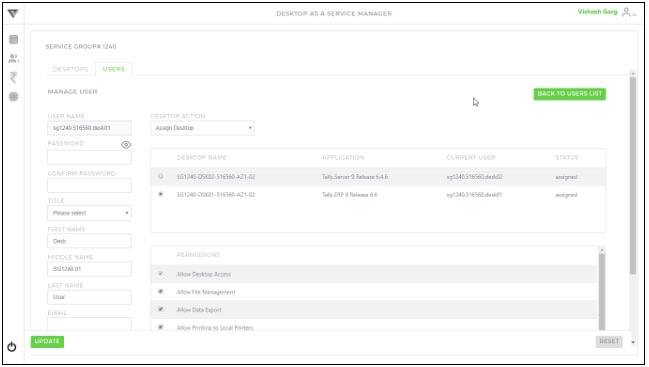
3. Assign / Revoke user’s permission by selecting / deselecting the  icon (except permission “Allow Desktop Access” as this is a always required permission) using the available permissions (as shown below) :
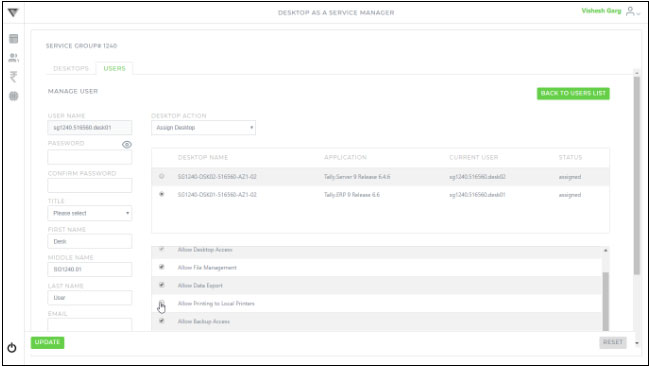
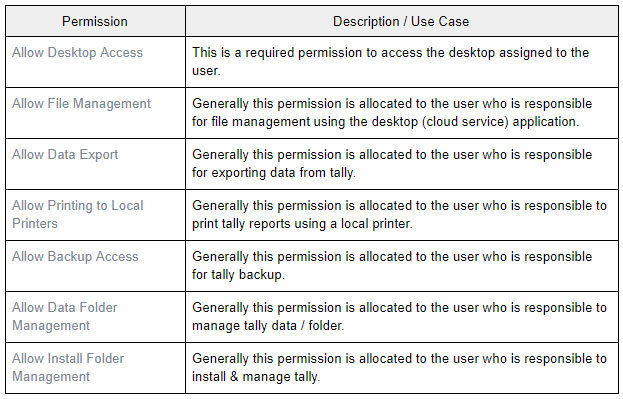
Find the permissions detail as shown below :-
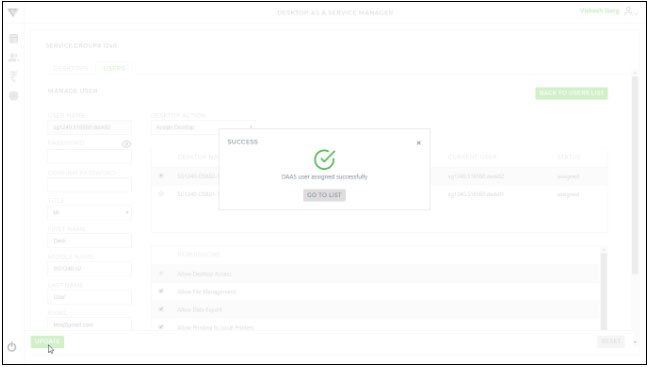
4. Click the “Update” button to save the changes and you will get the below confirmation message :-