
Follow below steps to disable desktop’s user :-
1. In the “User” tab below screen:-
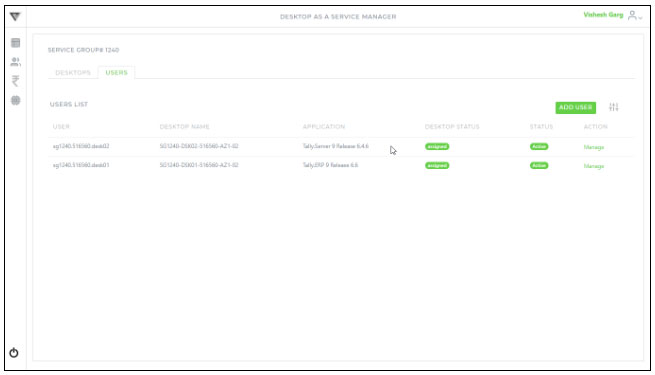
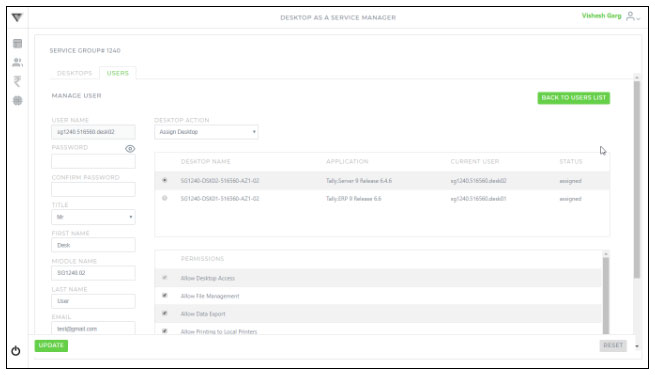
2. Click the respective “Manage” button to find the screen shown as below :-
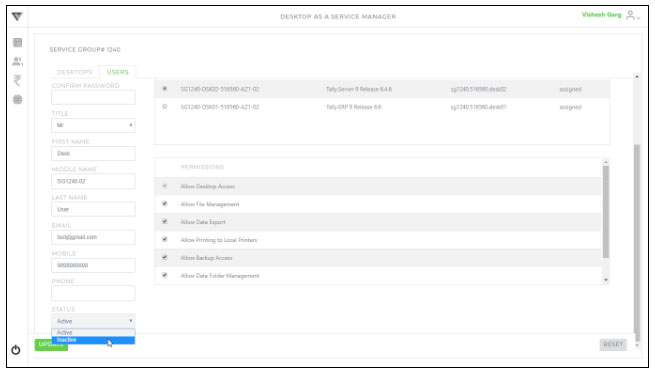
3. Change the Status to Active / Inactive
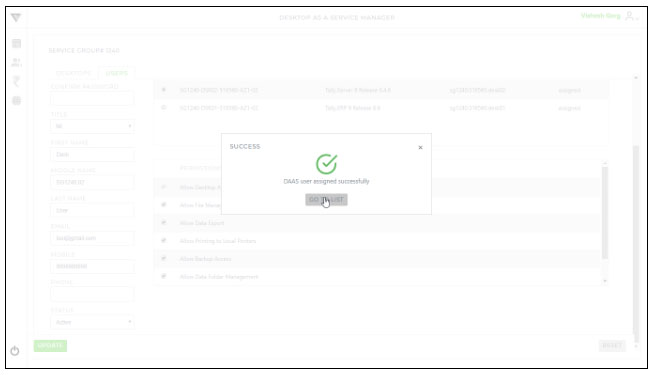
4. Click the “Update” button to save the changes and you will get the below confirmation message :-